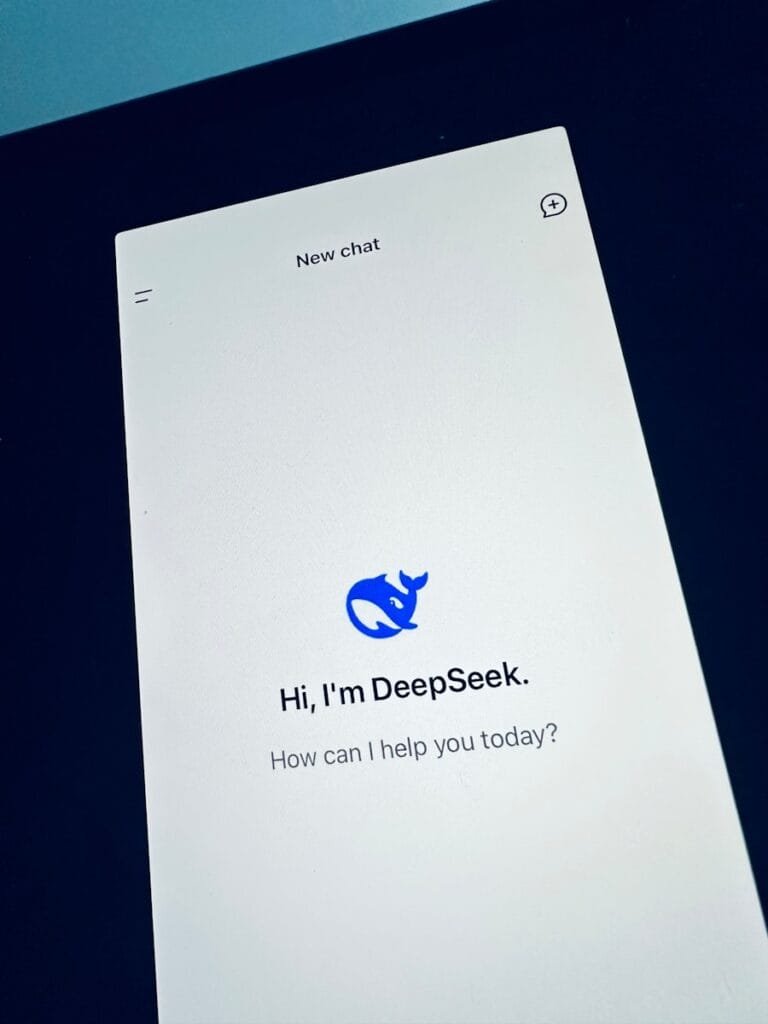



This guide explains DeepSeek app privacy settings in simple terms, helping you understand data collection, storage, and control options so you can use AI safely and confidently.
Artificial intelligence apps have a strange habit of asking for everything short of your childhood diary. And users, predictably, click “accept” like they’re trying to win a speedrun competition. Somewhere in the middle sits DeepSeek — powerful, efficient, and just mysterious enough to make people wonder what exactly it knows about them.
What Is the DeepSeek App and How Does It Work?
This guide breaks down DeepSeek app privacy settings in plain English. No legal jargon. No vague reassurance. Just what the settings actually do, what they mean for your data, and how to control them without accidentally turning your digital life into an open book.
DeepSeek is an AI-powered platform designed for search, reasoning, and conversational tasks. Like most modern AI tools, it improves its performance by learning from user interactions. That’s great for smarter responses — less great if you don’t know what data is being collected and how it’s used.
Privacy matters here because AI systems often process:
The problem isn’t just data collection — it’s data retention, sharing, and potential misuse. Understanding privacy settings lets you decide what you’re comfortable trading for convenience.
7 Hidden Features in the DeepSeek App You Need to Try Right Now
Before diving into toggles and switches, it helps to understand a few key ideas.
This refers to what information the app gathers when you use it. In DeepSeek, that typically includes your queries, interaction history, and sometimes device metadata.
Collected data is often used to:
“I Replaced My Personal Assistant with the DeepSeek App for a Week—Here’s What Happened”
Not all data disappears after you close the app. Some may be stored temporarily, others longer depending on settings and policies.
In some cases, data may be shared with third parties such as analytics providers or cloud infrastructure partners.
Most DeepSeek apps (mobile or web) include a privacy or data control section. While the exact layout may vary, you’ll usually find options related to:
Let’s break each of these down.
One of the most important privacy settings is chat history.
Chat history determines whether your conversations are saved and stored.
If chat history is enabled:
If disabled:
Turn off chat history if you frequently share sensitive information. Otherwise, periodically clear it.
A Beginner’s Guide to Mastering the DeepSeek App’s Best Features
This is where things get interesting — and slightly uncomfortable.
Allows DeepSeek to use your data to improve its models.
Enabled:
Disabled:
Companies say data is anonymized. That’s reassuring until you remember anonymization isn’t magic — it reduces risk, not eliminates it.
Disable this if privacy matters more than contributing to AI development.
DeepSeek typically provides controls for managing your account data.
This gives you control over your digital footprint.
You can request a copy of your data — useful if you want to see exactly what’s stored.
Deleting your account should:
But “should” is doing a lot of work here. Some data may persist in backups for a limited time.
Regularly review stored data and delete what you don’t need.
Permissions are where apps quietly expand their reach.
These permissions enable features like voice input, file uploads, and location-based responses.
Grant only what you actually use. If you’re not speaking to the AI, it doesn’t need your microphone.
Privacy without security is just wishful thinking.
Adds an extra layer of protection when logging in.
Strong, unique passwords reduce risk of account compromise.
Some apps allow you to view and log out of active sessions.
Enable 2FA and review active sessions periodically.
This is where fine print becomes important.
How long your data is stored.
Look for clear retention timelines. If they’re vague, assume data may be stored longer than you’d like.
DeepSeek may rely on external services.
Your data might pass through or be processed by these services.
Check the privacy policy for third-party involvement.
It’s not complicated. It just requires attention — which, historically, users avoid like expired milk.
Defaults are usually optimized for convenience, not privacy.
People treat AI like a diary. It isn’t.
Privacy features improve over time. Updates matter.
One breach, multiple problems.
DeepSeek is not alone. Most AI platforms follow similar patterns.
Some apps are more transparent than others. The real differentiator is how clearly they explain their policies and how much control they give users.
Privacy in AI is evolving — slowly, unevenly, and usually after public pressure.
Users will likely gain more control, but companies will continue balancing privacy with data needs.
DeepSeek’s privacy settings aren’t complicated — they’re just easy to ignore. And ignoring them is how users end up surprised when their data isn’t as private as they assumed.
Take a few minutes to review the settings, adjust what matters to you, and treat AI tools with the same caution you’d use anywhere else online.
Convenience is great. Knowing what you’re giving up for it is better.
DeepSeek typically collects user inputs, interaction history, and device-related data to improve functionality and performance.
Yes, most versions include an option to disable data usage for training in the privacy settings.
Account deletion usually removes personal data, but some information may remain in backups temporarily.
It may share data with service providers like cloud or analytics platforms, depending on its privacy policy.
Disable unnecessary permissions, turn off training data usage, clear chat history regularly, and enable security features like 2FA.