Newsletter Subscribe
Enter your email address below and subscribe to our newsletter
Deepseek AI
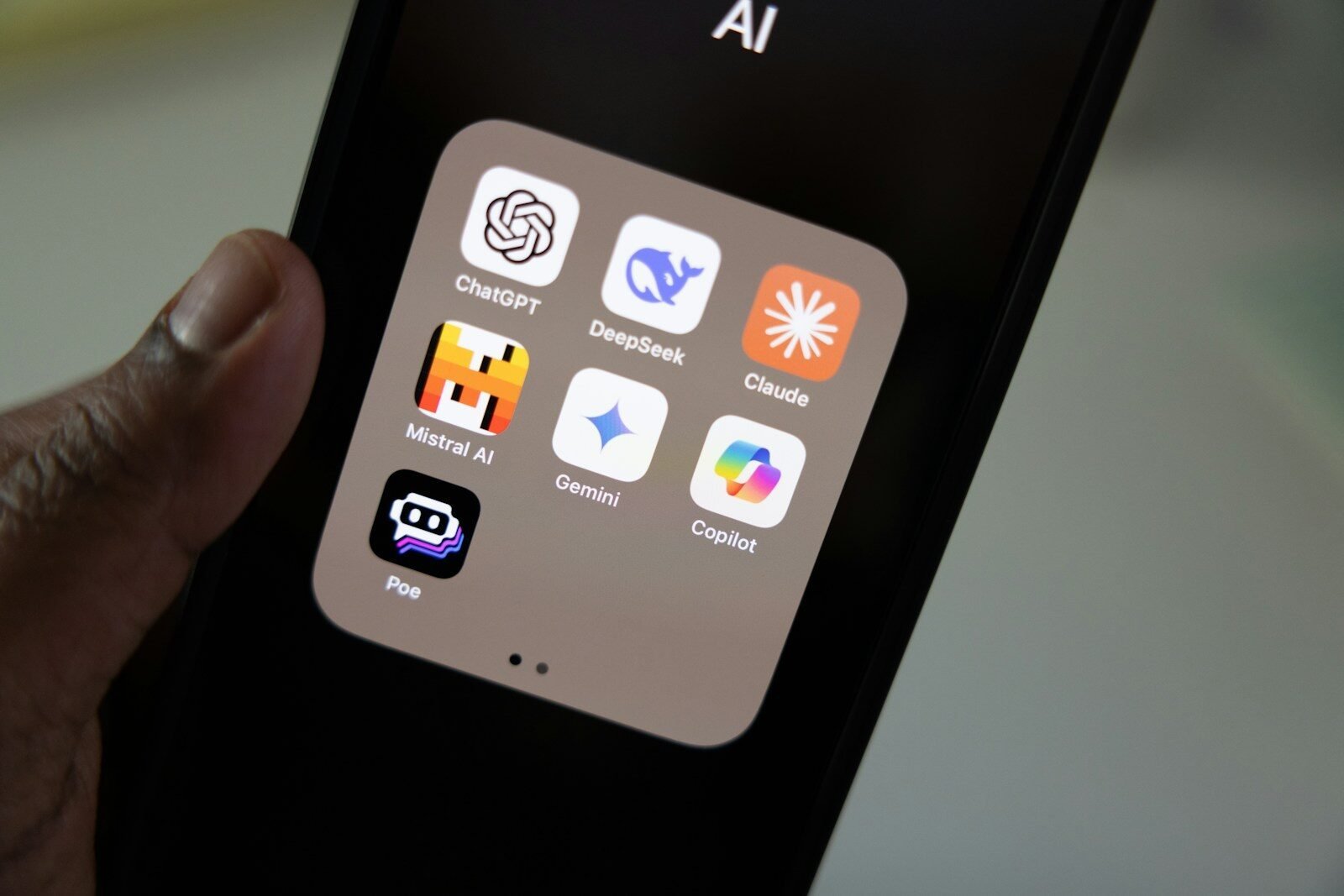
The price per token looks cheap until your agent chain fails three times and your “single request” becomes five. This is what DeepSeek actually costs in production.
I didn’t think pricing would be the hard part.
At the beginning, it looked straightforward enough. Token-based billing, predictable enough on paper. You estimate usage, add a buffer, maybe overestimate a bit for safety.
That works for static workloads.
What Can You Build With the DeepSeek API Platform
It doesn’t really work for what most AI startups are doing in 2026.
Because you’re not making single API calls anymore—you’re building systems that call the model repeatedly, sometimes invisibly, sometimes redundantly, often unnecessarily.
And DeepSeek… amplifies that in ways that aren’t obvious until you’re already paying for it.
The first mistake we made was treating a “request” as a unit of cost.
It isn’t.
A request is more like an entry point into a chain of events that may or may not complete the way you expect.
We had workflows where one user action triggered:
That’s already five model interactions.
Now add retries.
Because something always breaks at some point.
Suddenly, that single user action becomes 8–12 API calls.
And you don’t see that in your initial pricing model.
DeepSeek’s per-token pricing is competitive. Sometimes very competitive.
But that only matters if your system behaves predictably.
Ours didn’t.
And I don’t think most production systems do.
The biggest hidden cost wasn’t generation.
It was retries.
Agent chains fail in weird ways.
Not catastrophically—just enough to require reruns.
A step might:
So you retry that step.
Sometimes that works.
Sometimes it introduces a new issue.
So you retry again.
Now you’re three calls deep into fixing something that should have worked once.
And you’re paying for all of it.
We tried optimizing prompts to reduce retries.
More explicit instructions, tighter constraints, better examples.
That helped a bit.
But it also increased token usage per call.
So you trade fewer retries for higher per-call cost.
It’s not obvious which is better until you run real numbers.
And those numbers change depending on workload.
Memory 2.0 was supposed to reduce cost.
Less repetition, fewer tokens per request.
In theory.
In practice, it created a different kind of inefficiency.
Because when memory drifts—and it does—you start getting outputs that are slightly off.
Not broken enough to fail validation immediately.
Just wrong enough that someone notices later.
And then you rerun the whole thing.
So now you’re paying for:
Memory saves tokens upfront but can increase total usage over time.
That’s not in any pricing documentation.
There’s also this subtle cost around context padding.
To maintain consistency, we started injecting more context into each request:
Each of those adds tokens.
Individually, it’s small.
At scale, it compounds.
We had a workflow where context injection increased token usage by ~40%.
But removing it increased error rates.
So again—tradeoff.
Another thing that caught us off guard was batch behavior.
You’d expect that running 100 requests would cost roughly 100x a single request.
That’s not what happens.
Under load, behavior becomes less consistent.
Which leads to more retries.
Which increases cost per successful output.
So your effective cost per unit isn’t linear.
It curves upward under stress.
That makes forecasting difficult.
We tried smoothing usage with queueing.
Buffer requests, process them in controlled batches.
That helped with consistency.
But it also introduced latency.
And in some cases, timeouts.
Which… trigger retries.
So now your cost optimization layer is indirectly increasing cost.
There’s also the issue of partial failures.
In traditional APIs, a failed request is just a failed request.
In AI workflows, a partial failure can still produce output.
Output that looks valid enough to pass initial checks.
Until it hits a downstream system and breaks something.
Now you’re debugging, rerunning, sometimes manually fixing.
All of that has a cost.
Not just API cost, but operational cost.
Which is harder to quantify, but very real.
We spent a while comparing DeepSeek pricing with GPT-5.5.
On paper, DeepSeek was cheaper for our use case.
In practice, the gap narrowed.
Not because DeepSeek got more expensive, but because our usage pattern inflated the number of calls.
GPT-5.5 had fewer retries in some workflows.
More predictable outputs.
So even with higher per-token cost, total spend wasn’t dramatically different.
That surprised us.
One thing that helped a bit was breaking workflows into smaller units.
Instead of one long agent chain, we split it into:
Each step had its own checkpoint.
If something failed, we only reran that step.
That reduced waste.
But it increased orchestration complexity.
And required more infrastructure.
So you’re saving on API cost, but spending more on engineering time.
We also experimented with adaptive retries.
Instead of blindly retrying, we added logic:
That reduced unnecessary retries.
But it required building a mini decision system around failures.
Which again, adds complexity.
Pricing tiers also matter more than expected.
DeepSeek’s higher tiers unlock better rate limits and sometimes more stable behavior.
Not officially framed that way, but noticeable in practice.
So you end up upgrading not just for capacity, but for consistency.
Which effectively changes your cost baseline.
Another hidden cost is observability.
To manage pricing effectively, you need visibility into:
We had to build custom dashboards for this.
Without them, you’re guessing.
And guessing with API costs is risky.
There’s also a psychological component.
When per-call cost is low, it’s easy to ignore inefficiencies.
“Just retry it” becomes the default mindset.
Until you look at monthly usage and realize how many retries you’re actually making.
Low friction at the micro level creates high cost at the macro level.
We tried implementing hard limits per tenant.
Usage caps, throttling, alerts.
That helped control runaway costs.
But it also created UX issues.
Users hitting limits mid-workflow.
Incomplete outputs.
Support tickets.
So now you’re balancing cost control with user experience.
One thing we never fully solved is cost predictability.
Even after months of usage, there’s still variance.
Some days everything runs smoothly.
Others, retry rates spike for no obvious reason.
Maybe load-related. Maybe model behavior. Maybe something else.
It’s hard to pin down.
And that unpredictability makes pricing your own product harder.
Because your costs aren’t stable.
If I had to summarize DeepSeek API pricing in a way that actually reflects reality:
The unit cost is low, but the system-level cost depends heavily on how often things don’t work the first time.
And in real workflows, things don’t work the first time more often than you expect.
Some of the questions we kept asking internally:
Why do retries account for such a large portion of total cost?
Because failures are rarely binary. They’re partial, subtle, and require reruns.
Is Memory 2.0 saving or costing us money?
Both. It reduces prompt size but increases correction cycles.
Can we design workflows with near-zero retries?
Not realistically. You can reduce them, but not eliminate them.
Is DeepSeek cheaper than alternatives?
At the per-call level, often yes. At the system level, depends on your architecture.
Should startups optimize for cost early?
Probably not aggressively. But ignoring it completely leads to surprises later.
We’re still using DeepSeek.
But our pricing model for our own product looks nothing like our initial estimates.
It’s more conservative.
More buffered.
And still… not perfectly accurate.
DeepSeek API Pricing 2026 — Model-by-Model Breakdown
If you’re an AI startup evaluating DeepSeek API pricing, the main thing I’d suggest is:
Don’t model cost based on ideal behavior.
Model it based on failure.
Because that’s where most of your usage will come from.
Not when things work.
But when they almost work, and you have to try again.